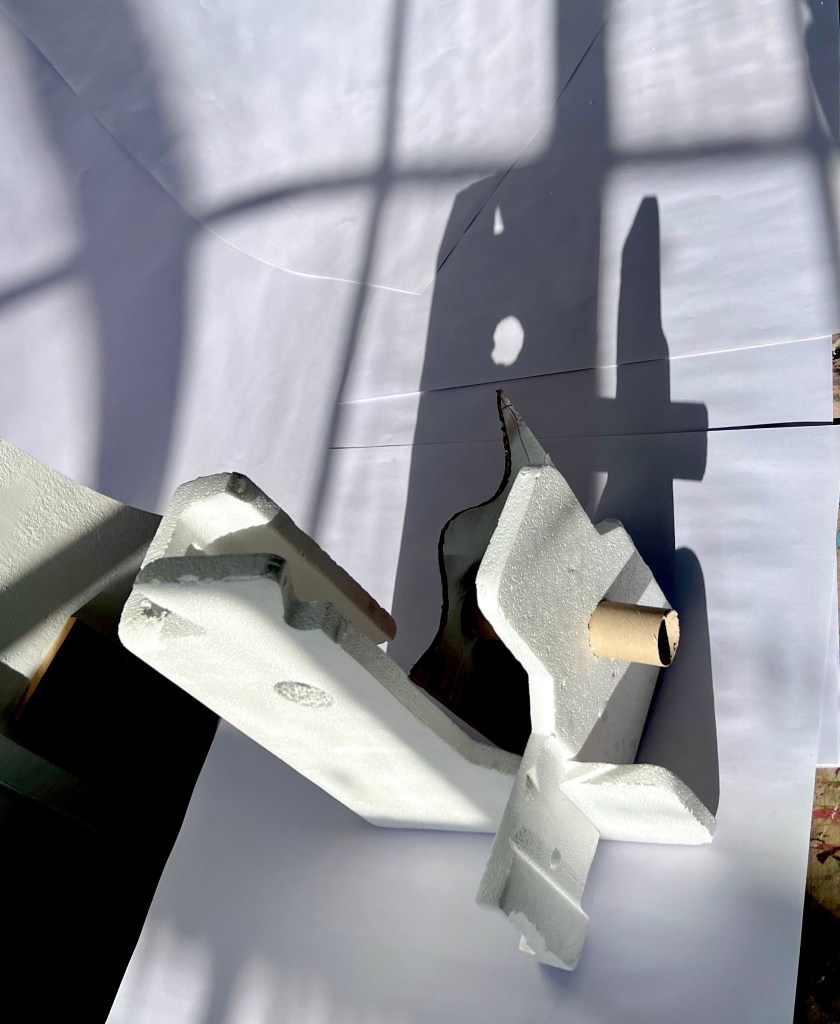

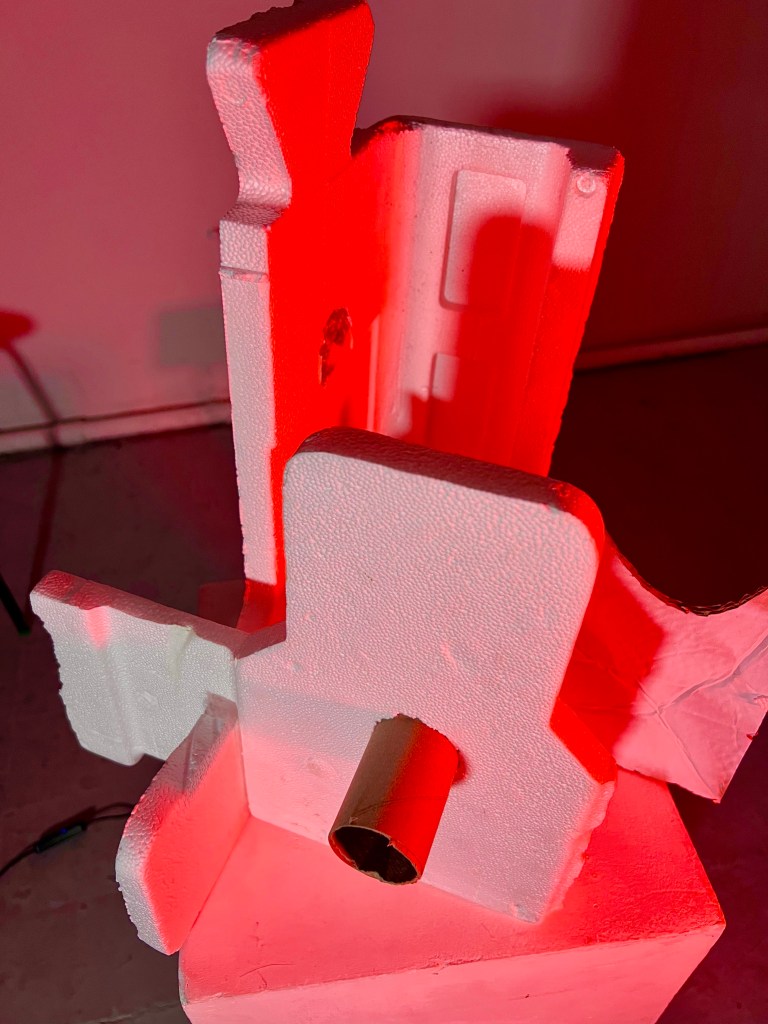
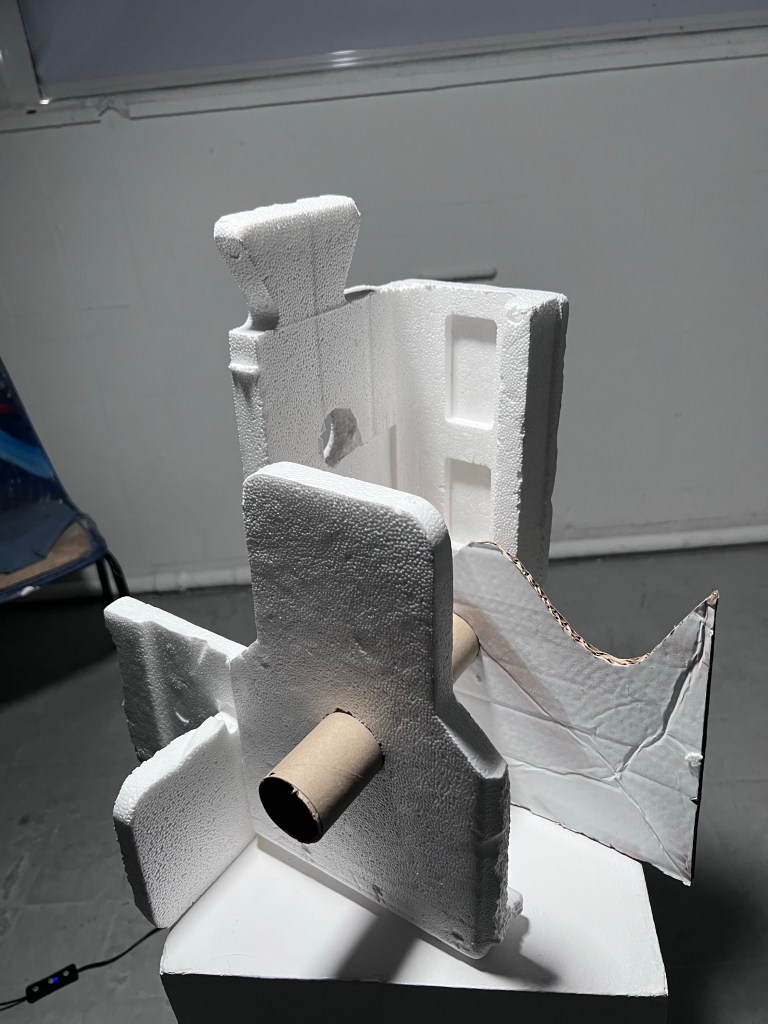
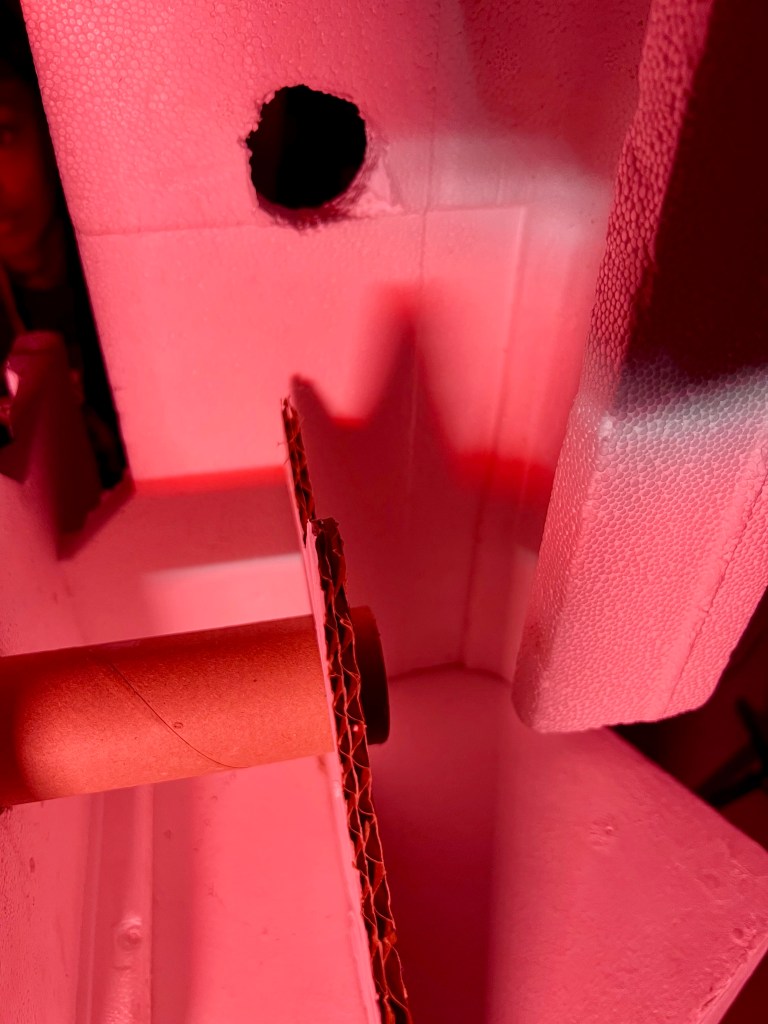

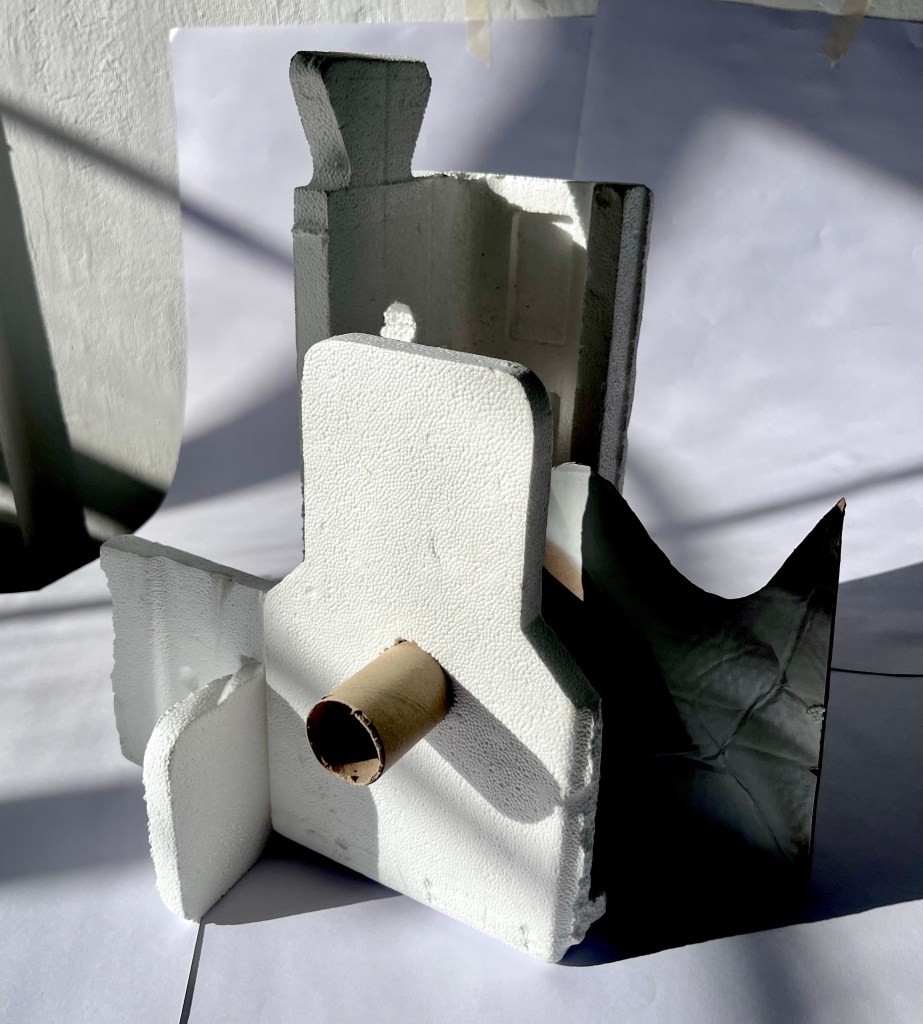

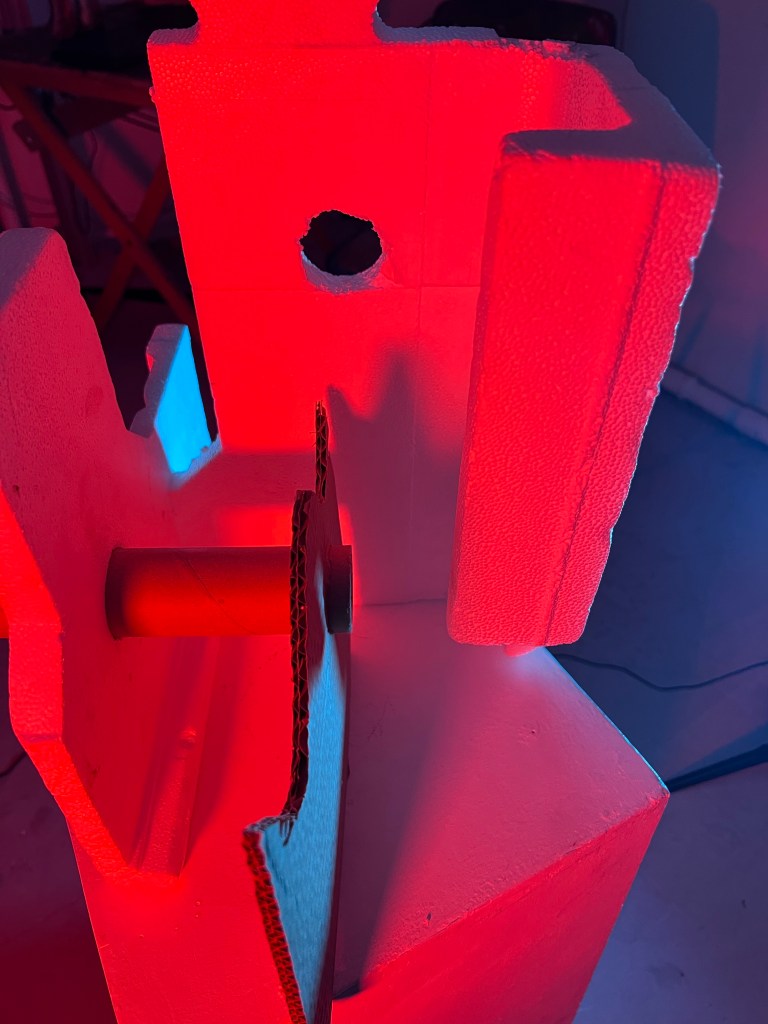
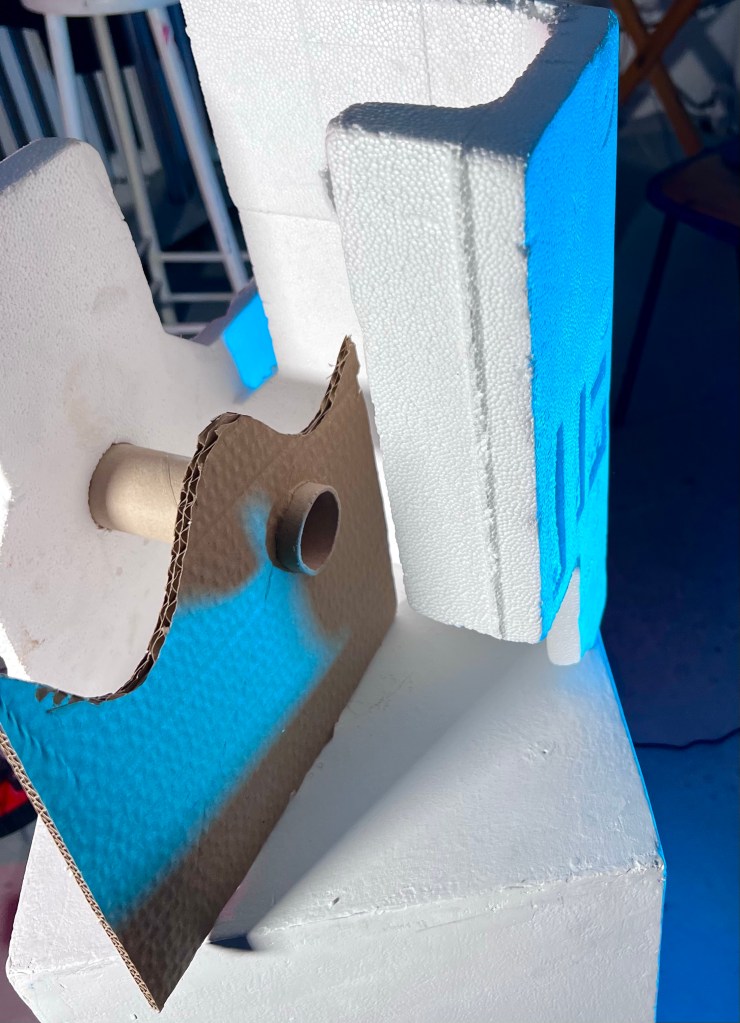
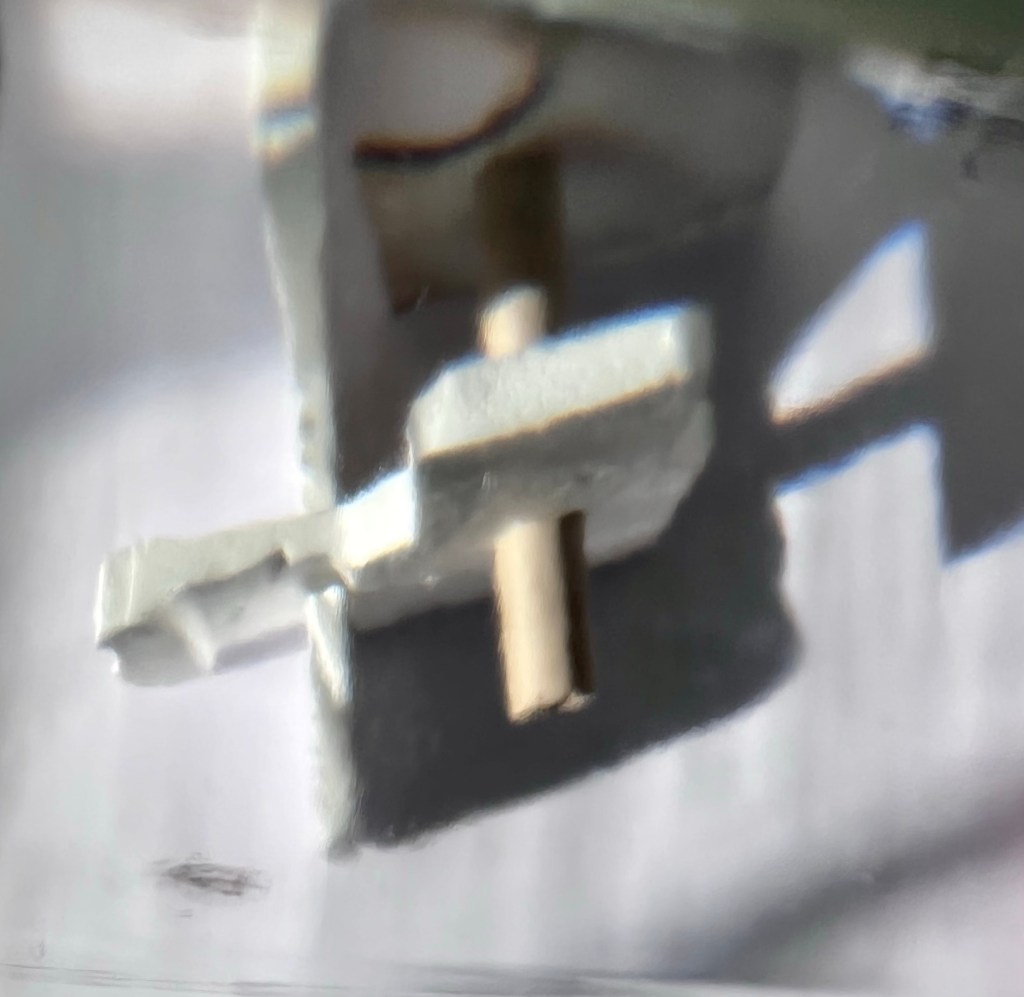
I made a maquette using polystyrene and cardboard. I tried to create a shape that would give clear, sharp line shadows.
I could see how moving the lights closer intensified the shadows and how one light created harsh, defined shadows whereas two or more lights positioned around the maquette created a more even light. I liked the effect when I held the red gel half in and half out of the LED light and an intense red band of light was created on the edge of one of the shadows and the softer red light mixed with the white light to create a pinkish fill of light.
Painting with Light at Home
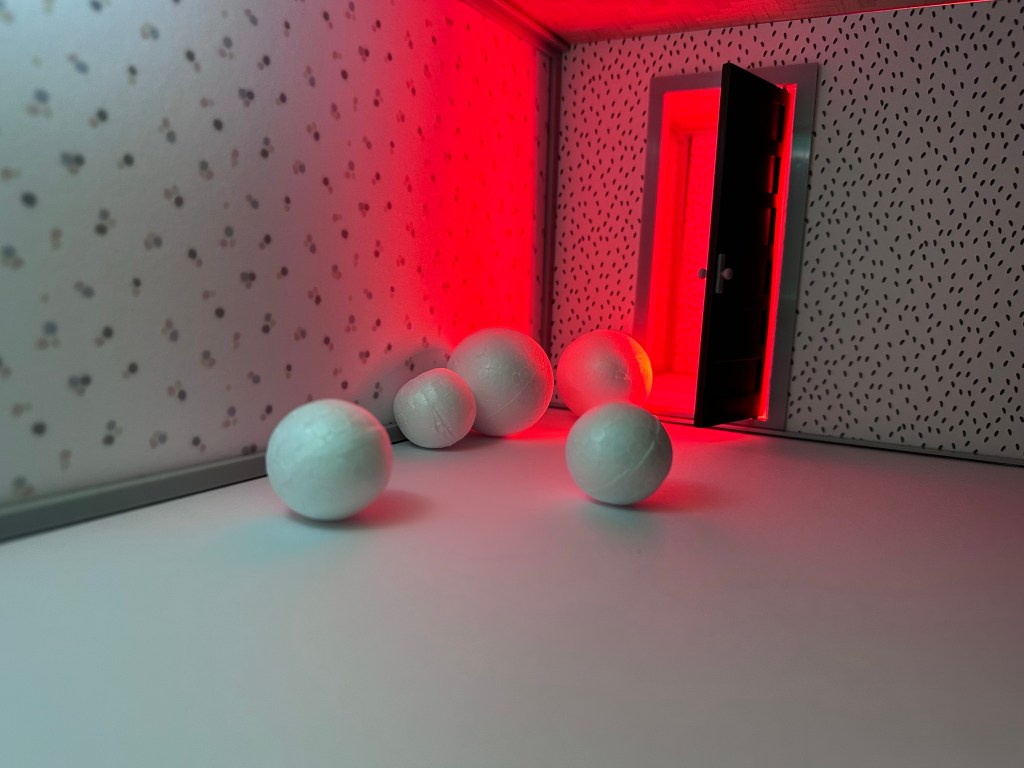
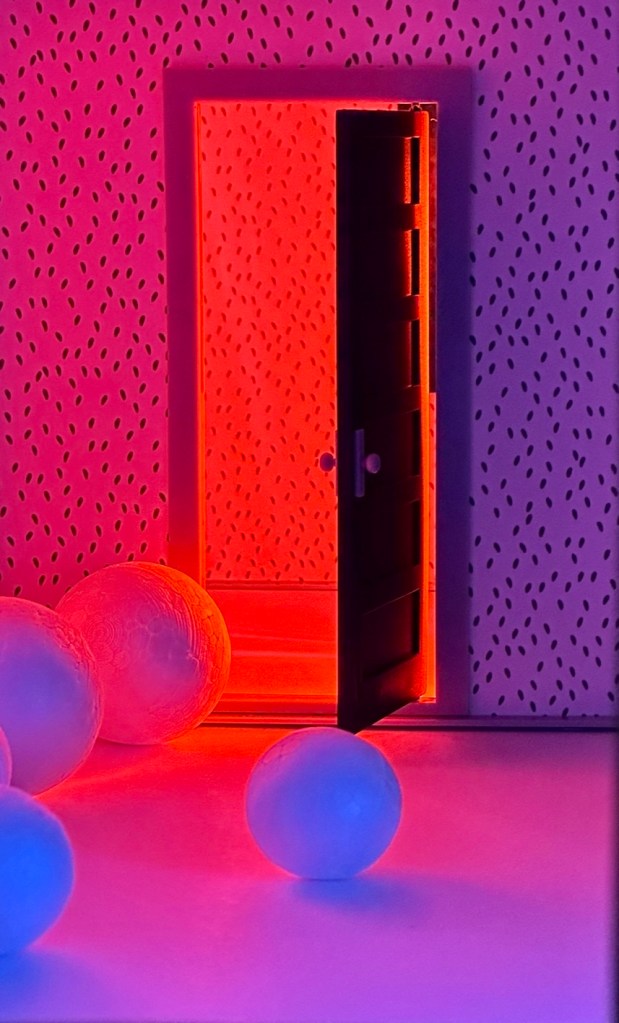
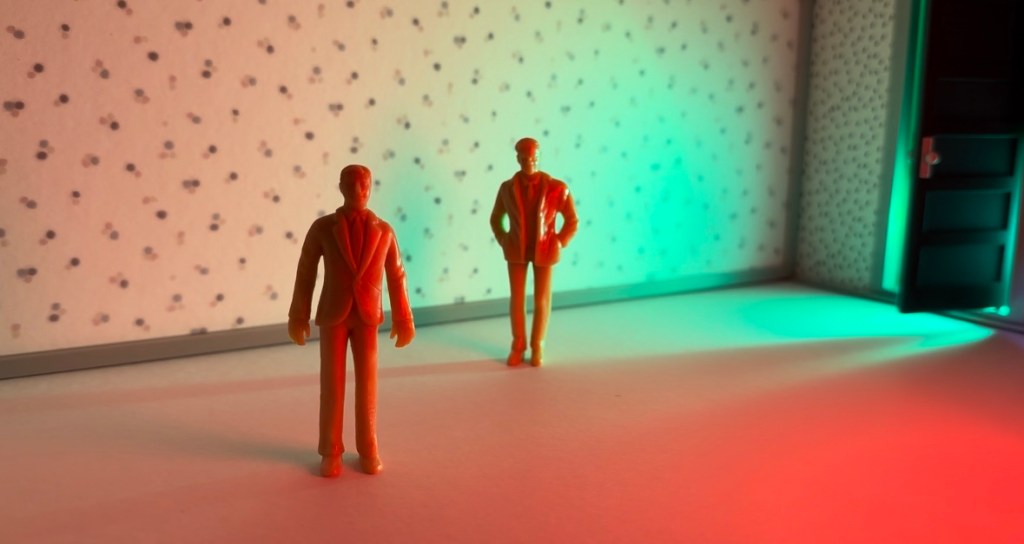
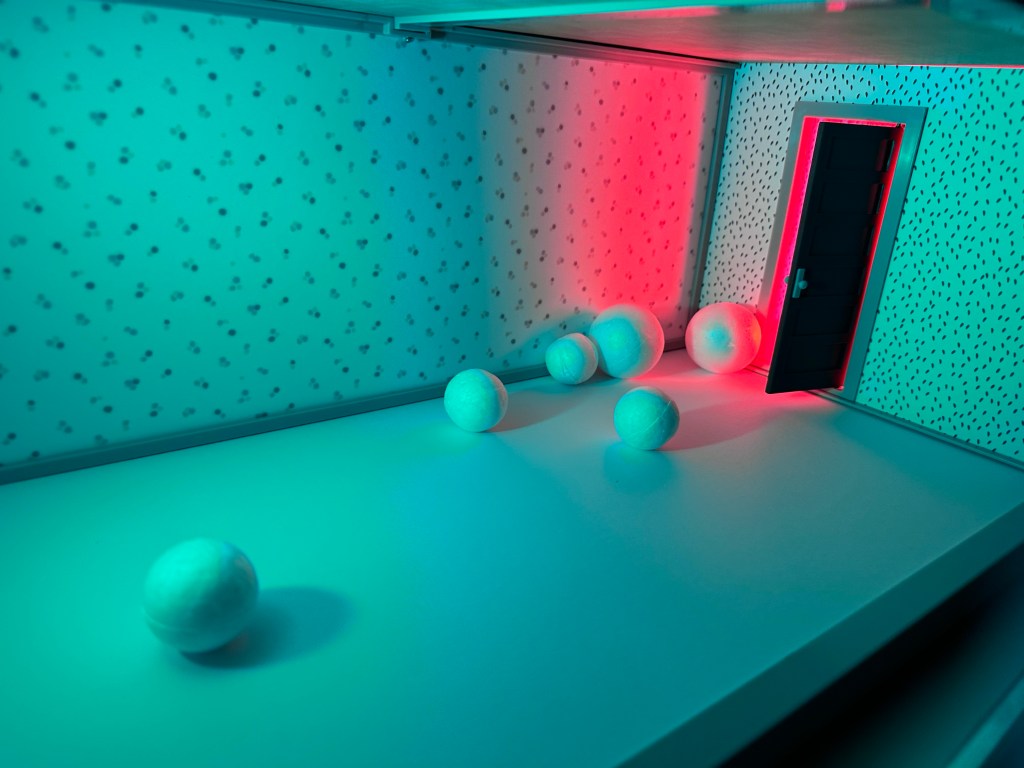
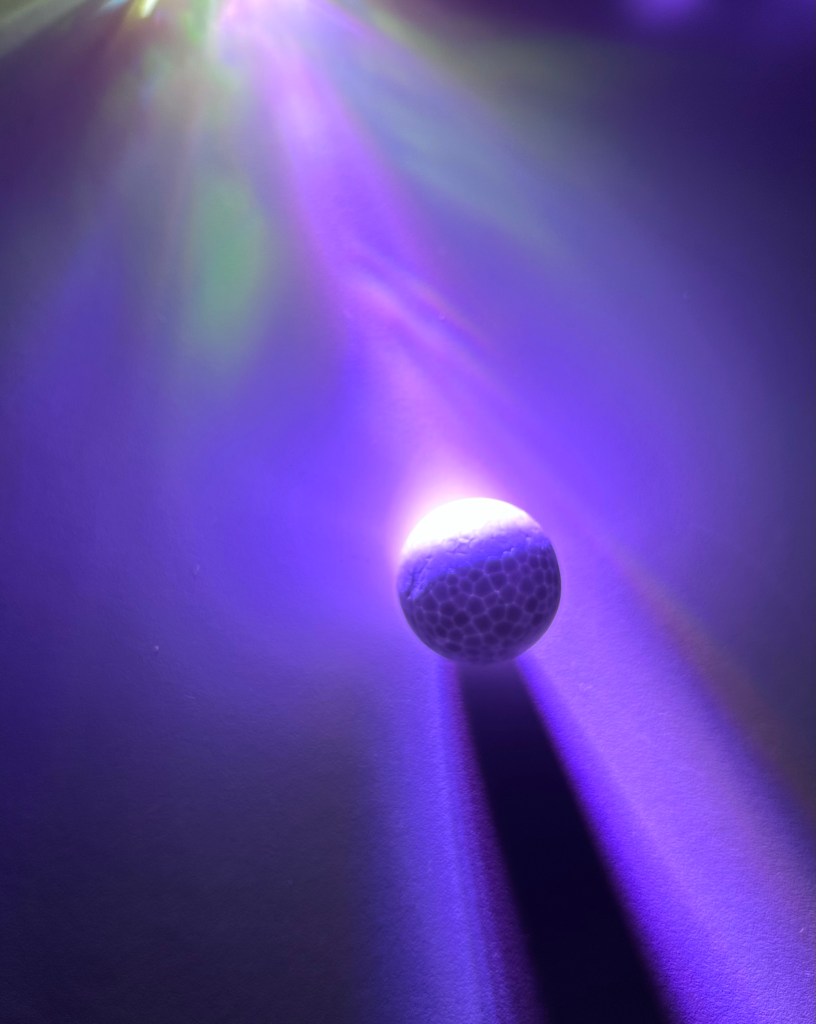
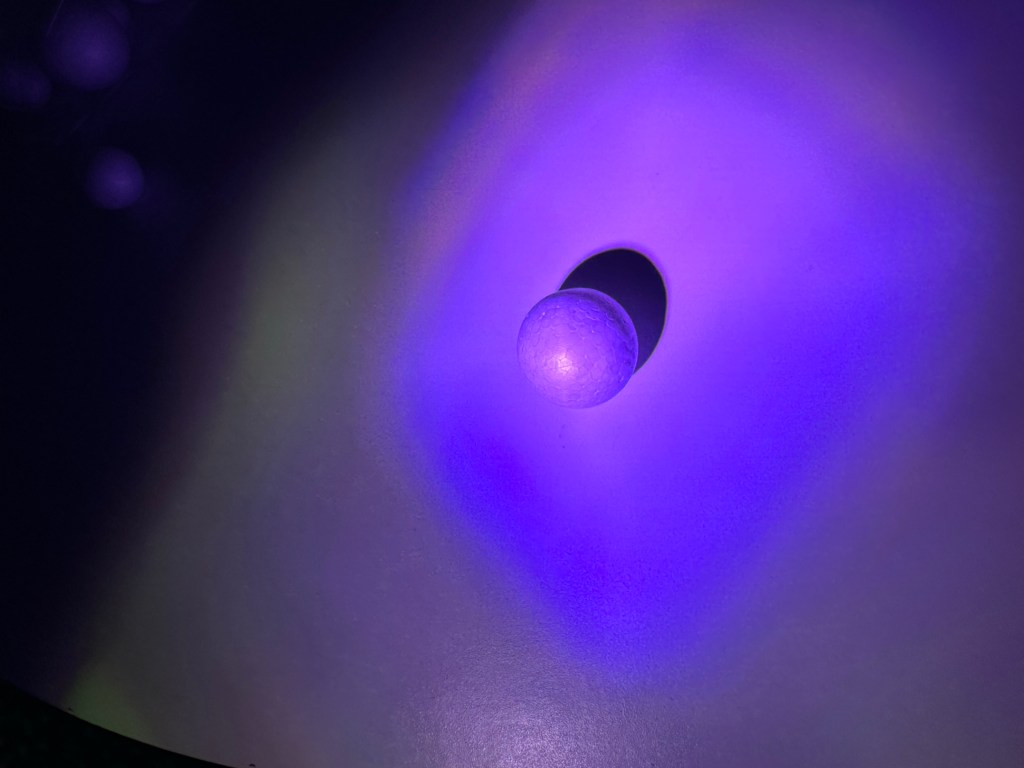
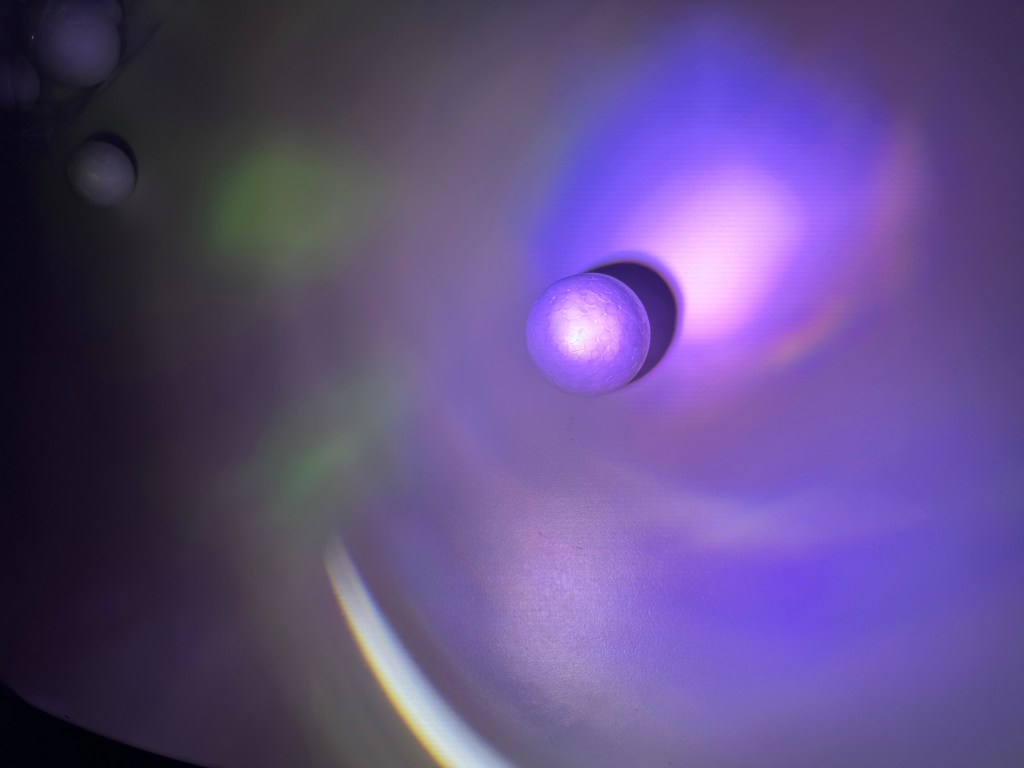
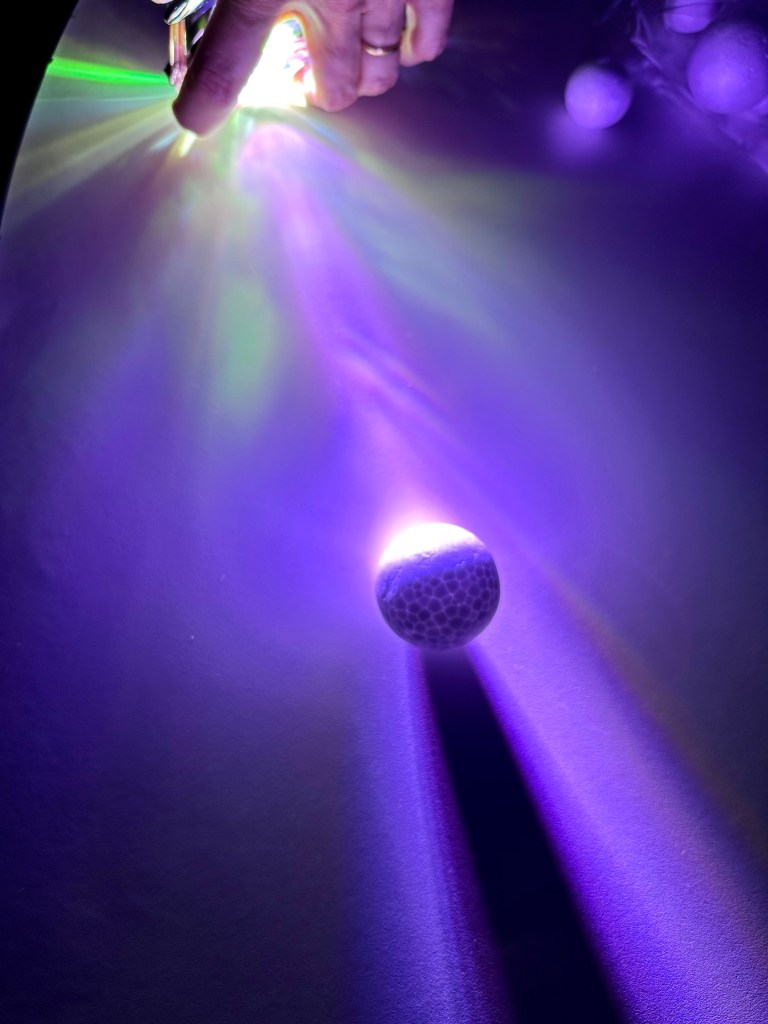
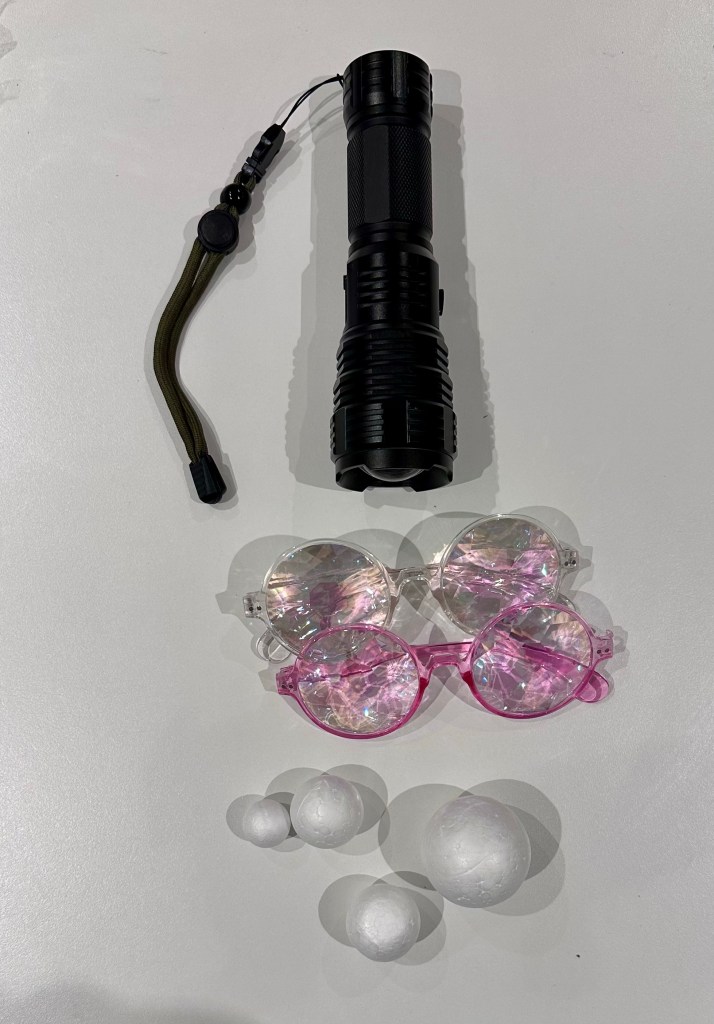
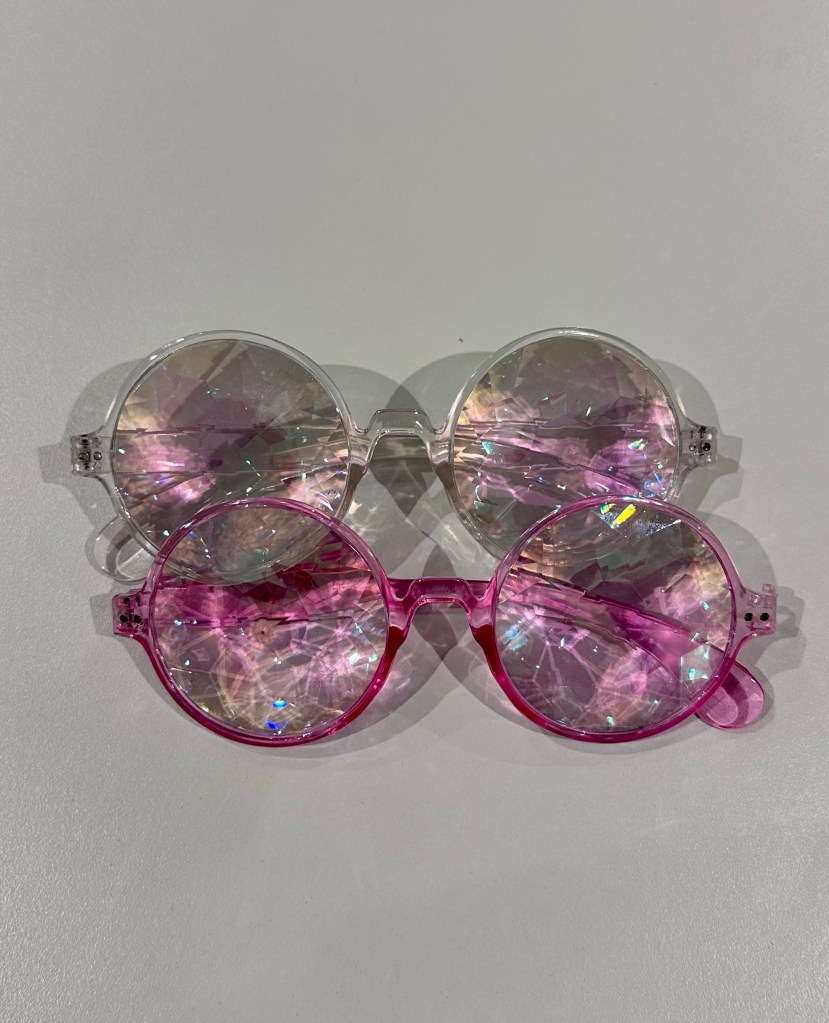
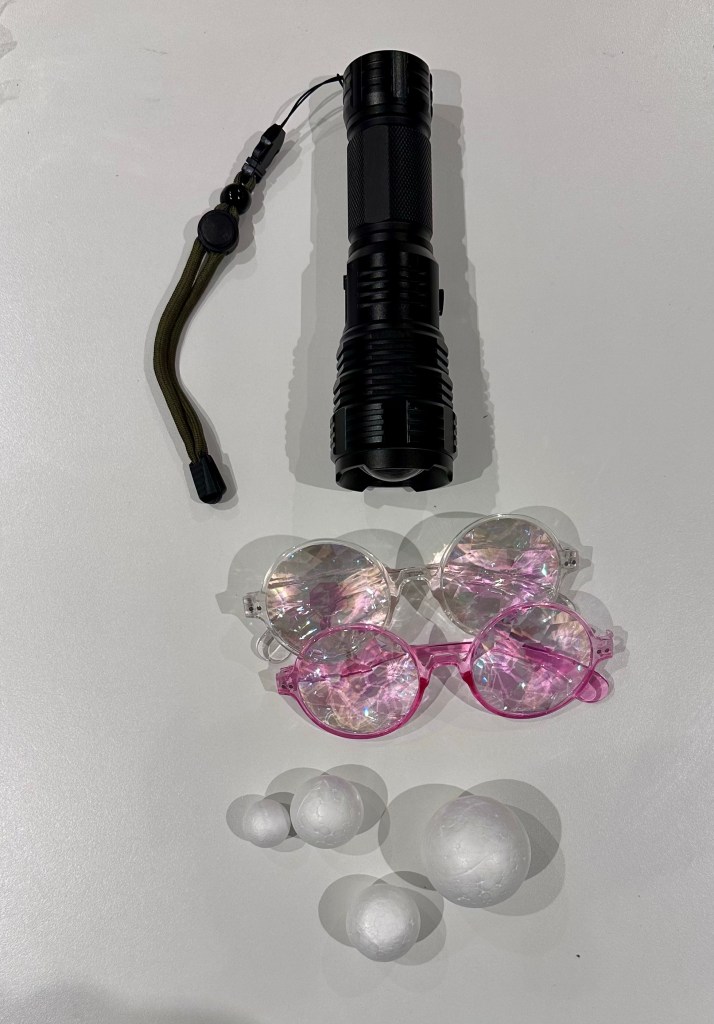
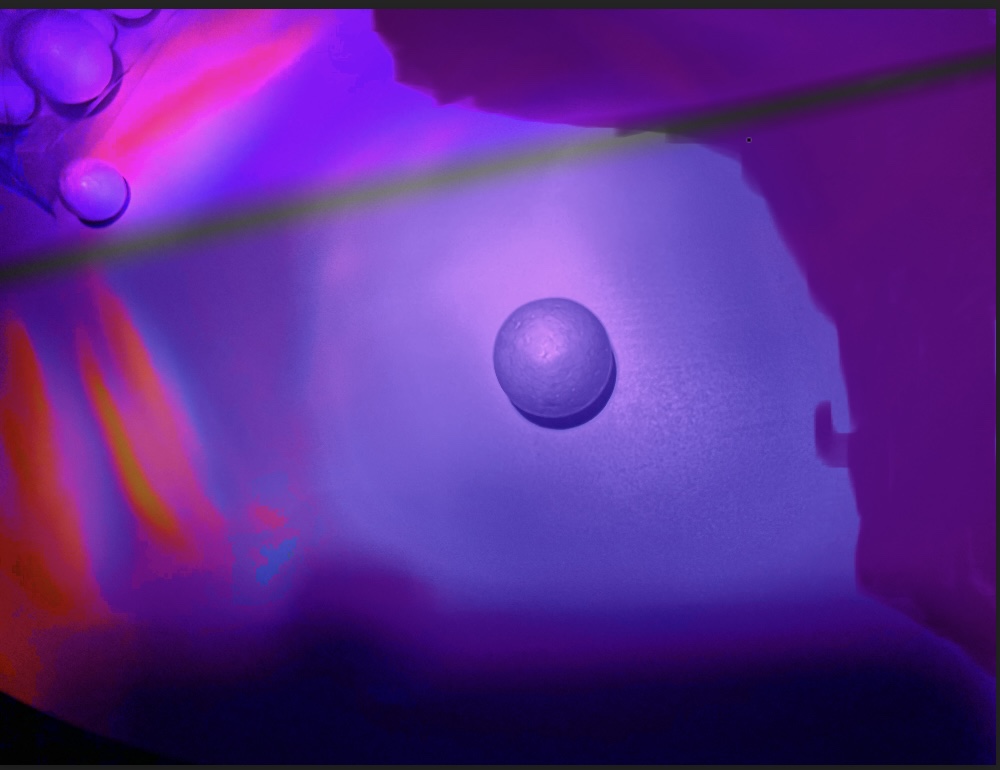
I got some different coloured gels and used a torch and a powerful table light to experiment at home. I found an old dolls house that someone had chucked out and used it to place figures and polystyrene balls in to try different lighting scenarios. I also found some old festival prism glasses that one of my sons had and I used them alone and with a blue gel to make a lighting set-up.
I felt both the college and home lighting went well and I really want to trying out different ideas. I like photography and I have never used light in this way but I will definitely be using this in future.
I learned that using light and colours with light and shadow gives an object an entirely different feel and can make a mundane or boring object into something magical by using clever lighting and adding colours.





PAINTING WITH PHOTOSHOP
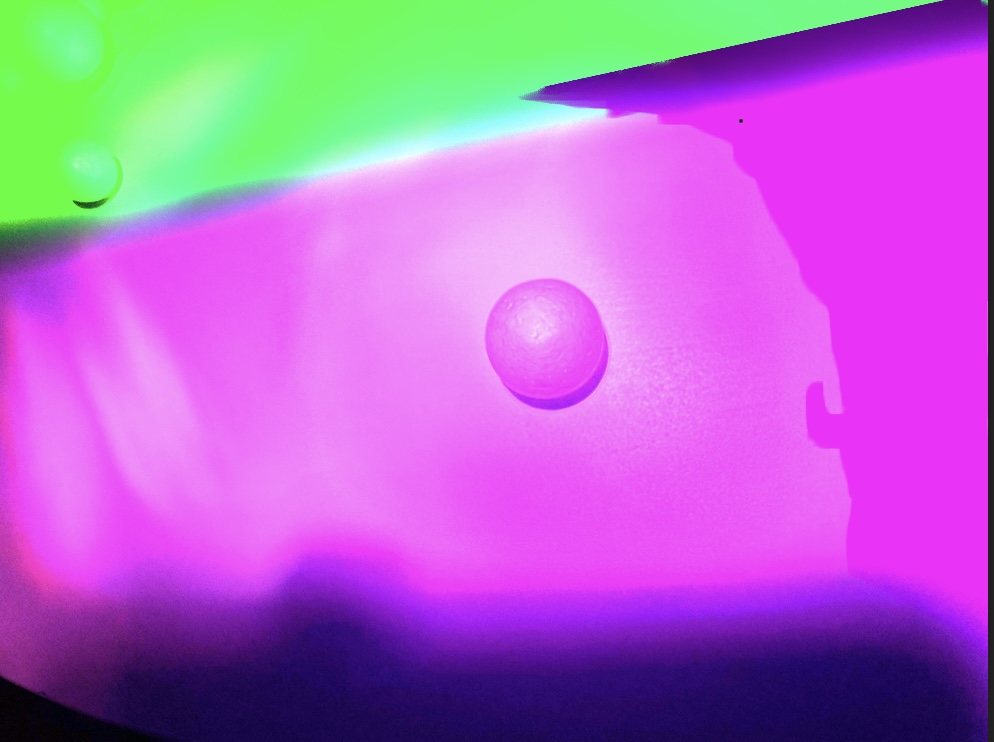
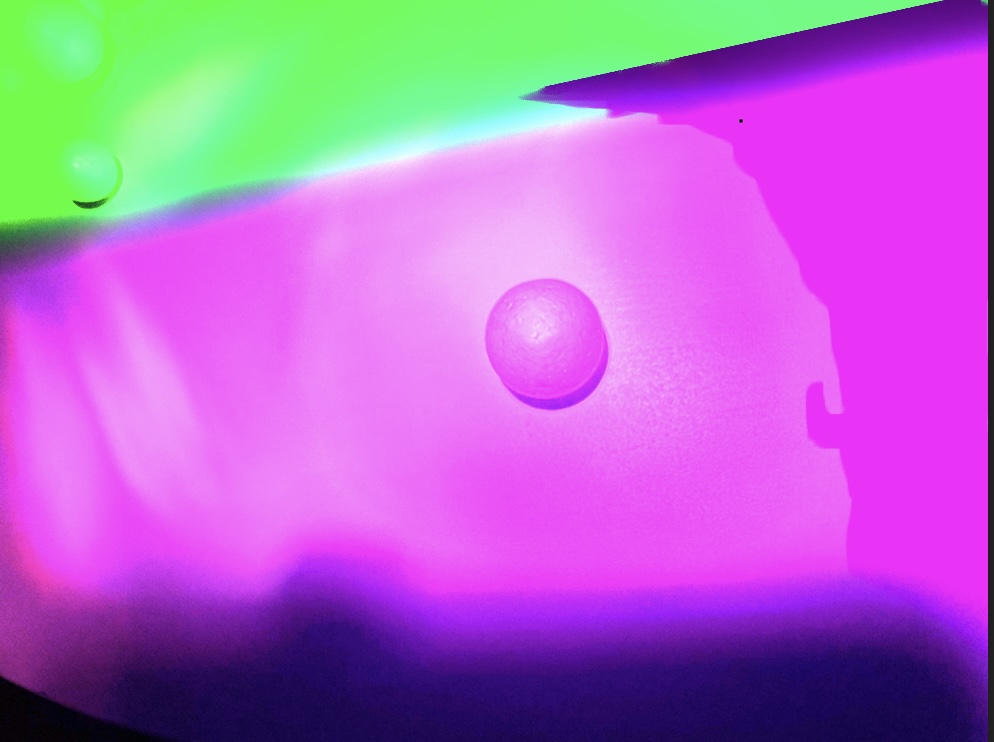
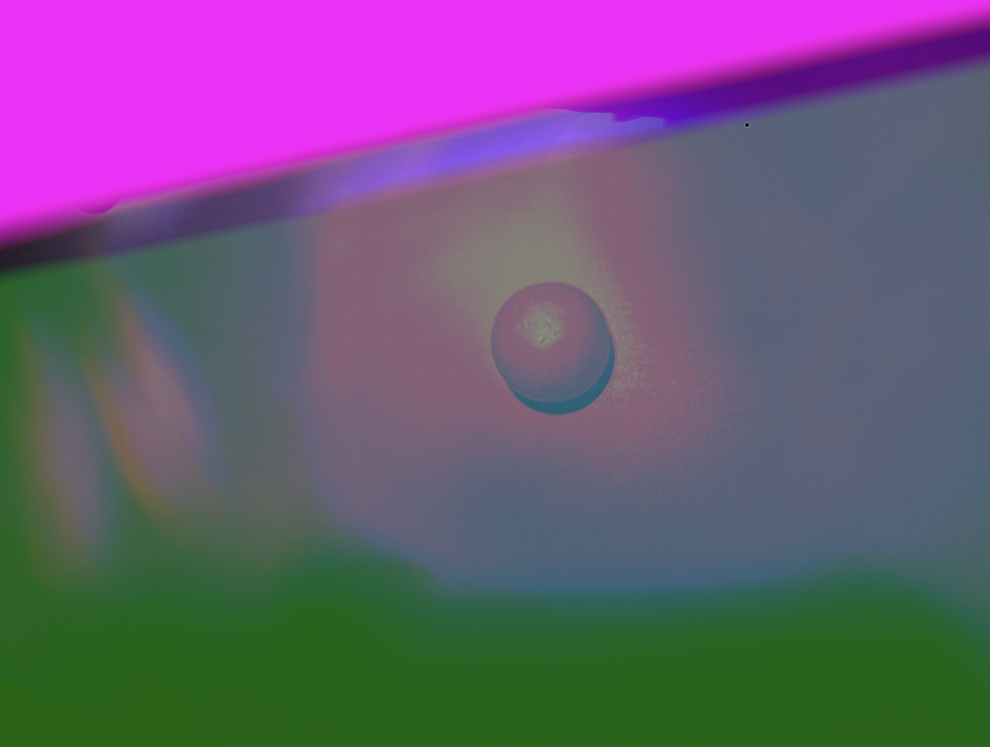
Initially I was a bit daunted by Photoshop and Photopea. I found it hard to learn to use it, even in the most simple way. Eventually I was able to paint blocks with colour and change the colour of these and use different layers. I can see the huge potential of Photoshop and apps like it and I really want to continue developing my skills and learning in this area as I can see that I would use it a lot in my photography work. I can see how you have the ability to enhance and make an image the very best it can be as well as completely changing it as well.
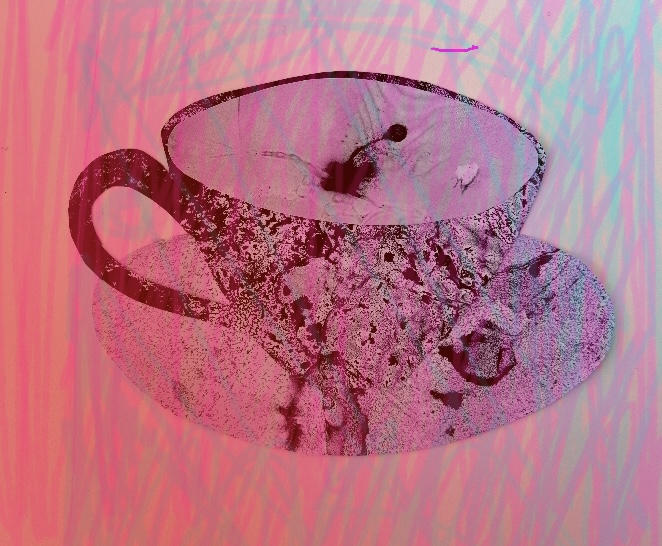
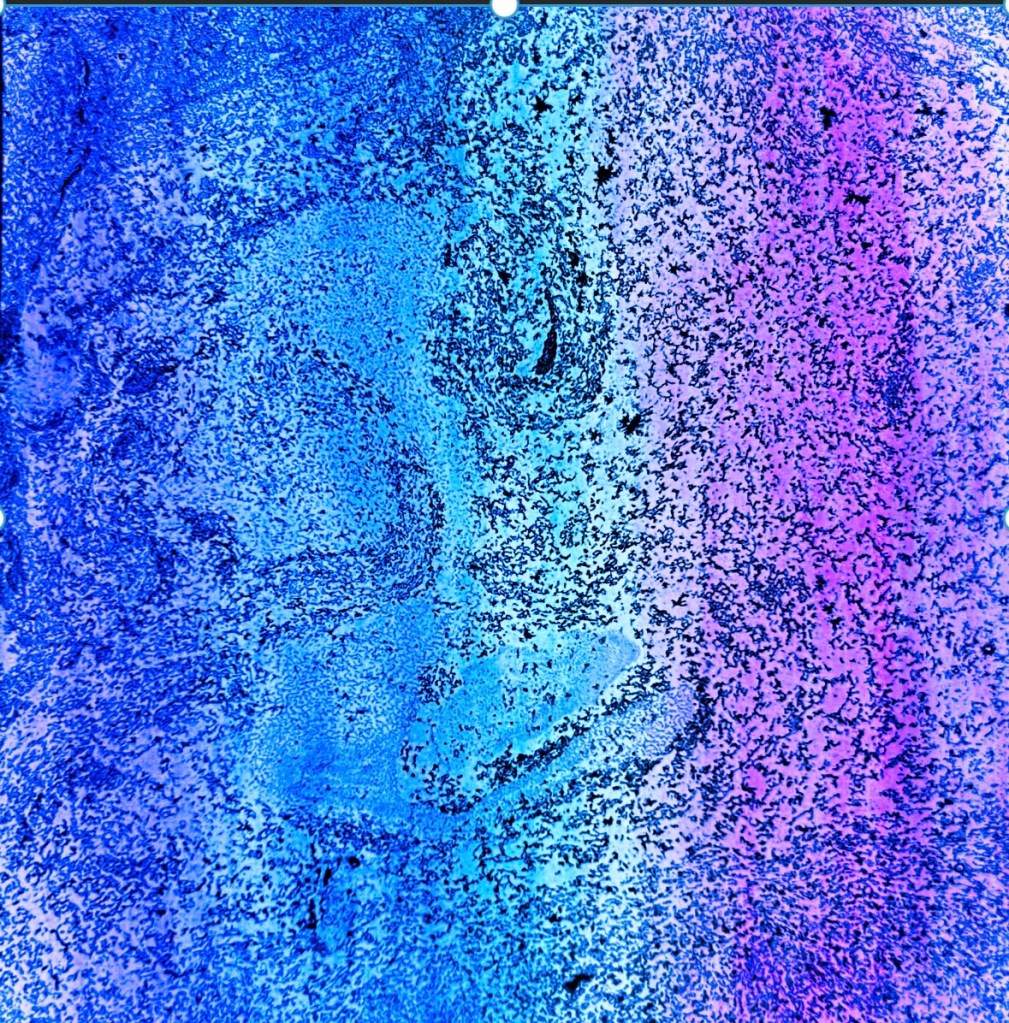
I continued to try experimenting with hues, tones and colour using Photoshop Express. I found this simplified version much easier to use and I was pleased with the results. The PS Express efforts are the second set of images (labelled below) where I took one of the black and white marbling papers I created and was able to really play around with colour.
PHOTOPEA
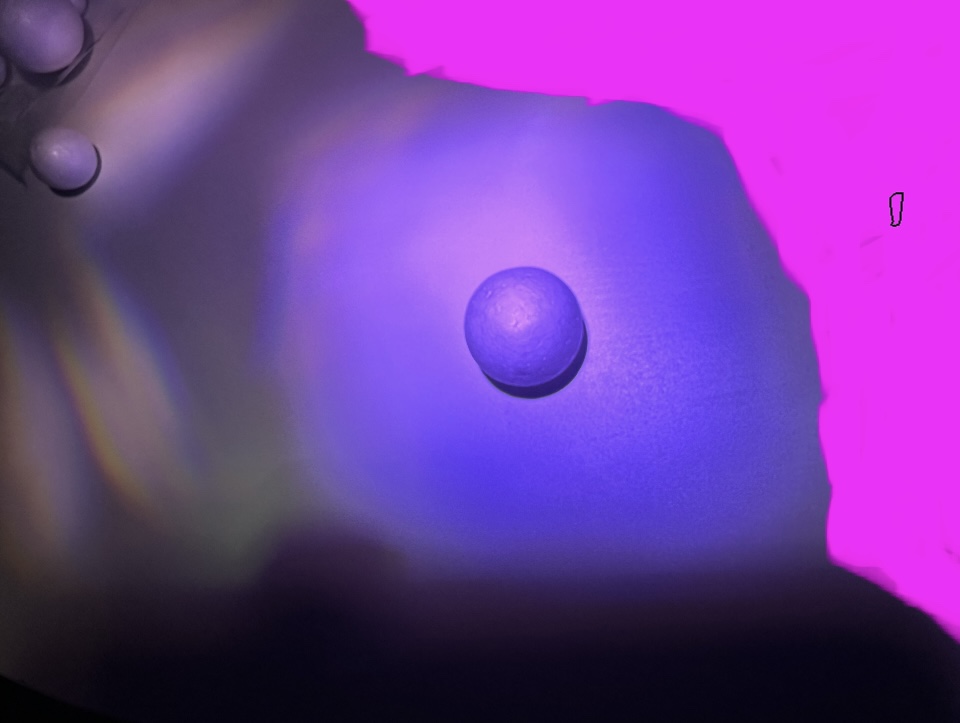

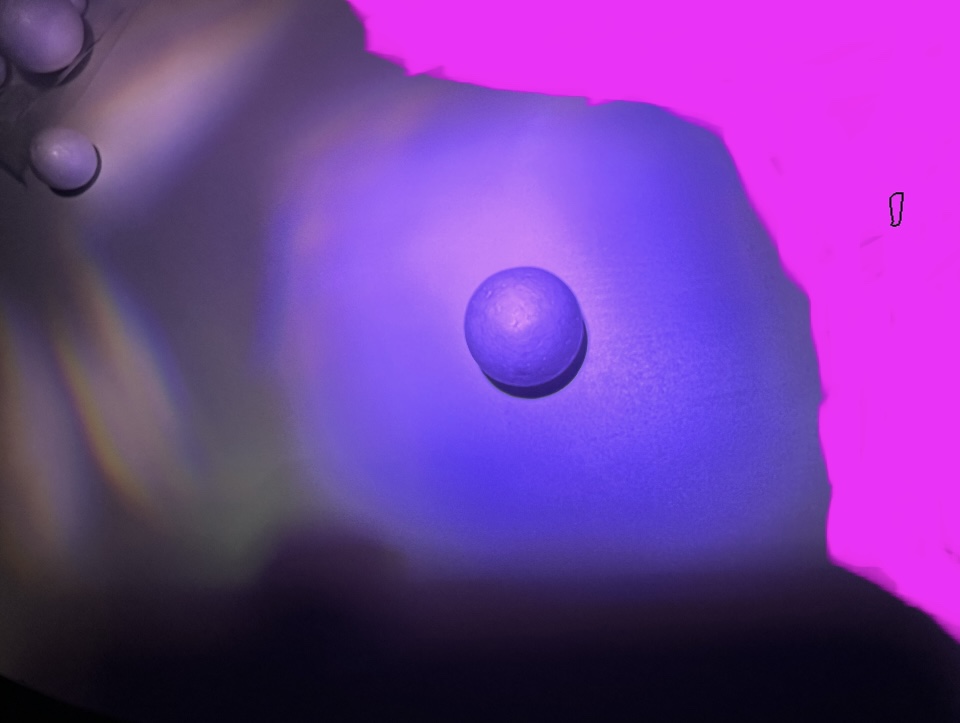

PS EXPRESS

 number5portfolio.com