I was completely daunted when we were told that ‘today, your all going to make your own website’ In spite of this, as we have learned and have practised using the site more, I have started to feel confident with navigating the tools that WordPress offers and it is absolutely clear to me that having a website as an artist is essential. Even if it only ever acts as a Portfolio, it is an indispensable tool.
WordPress is widely used by designers and artists to showcase their work online. I can see how this is essential and allows instant and global access to your portfolio.
One of the biggest advantages of using WordPress is that it is user-friendly and easy to set up. Even if, like me you have absolutely no prior experience, you can quickly create a portfolio that looks professional. It offers a large selection of templates and themes that can be easily customised . You can also add new pages, images, and content and it is designed to be straightforward and easy but with no prior experience there is definitely a learning curve that one has to go on in order to use, design and edit the site with the ease and quickness that it is designed to do.
I have been impressed with how you can easily make even the most messy fails of art experiments look professional and engaging as the platform allows you to easily present and annotate your work by providing numerous ‘blocks’ to chose from within your template. For example ‘gallery’ block allows you to group together images in small thumbnail sized images that enlarge when clicked on and you can annotate each individual image of the group as a whole. I have found this really helpful in presenting my artwork
There are also drawbacks to using WordPress as it offers limited customisation options and your portfolio could look similar to others using the same theme. Obviously this is just the format and not the work but nevertheless, in a commercial world where we strive to ‘stand out’ this could be a real drawback. Also, this lack of uniqueness, especially at the first impressions stage could be detrimental as the viewer could form an immediate unconscious opinion of ‘same as, same old……’ which doesn’t reflect the individuality of the artist.
The free version of WordPress may be limiting for future developments as your work grows and you want to expand or update your portfolio, you may need to upgrade to a paid version.
Another downside of using WordPress is that it may not offer the same level of security as a self-hosted platform making it vulnerable to hacking and data breaches..
In conclusion, using WordPress to create an art and design portfolio has both advantages and disadvantages. While it is user-friendly, accessible, and can reach a wider audience, it can also be limiting in terms of customisation, security, and scalability. and it can be a valuable tool for those looking to showcase their work online.
USING SUPPORT SITES AND YOUTUBE
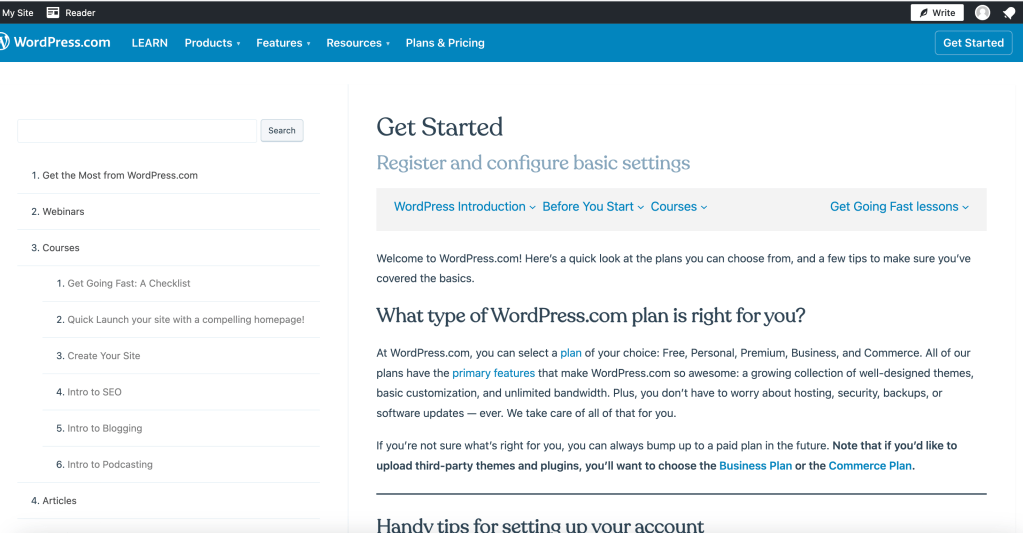
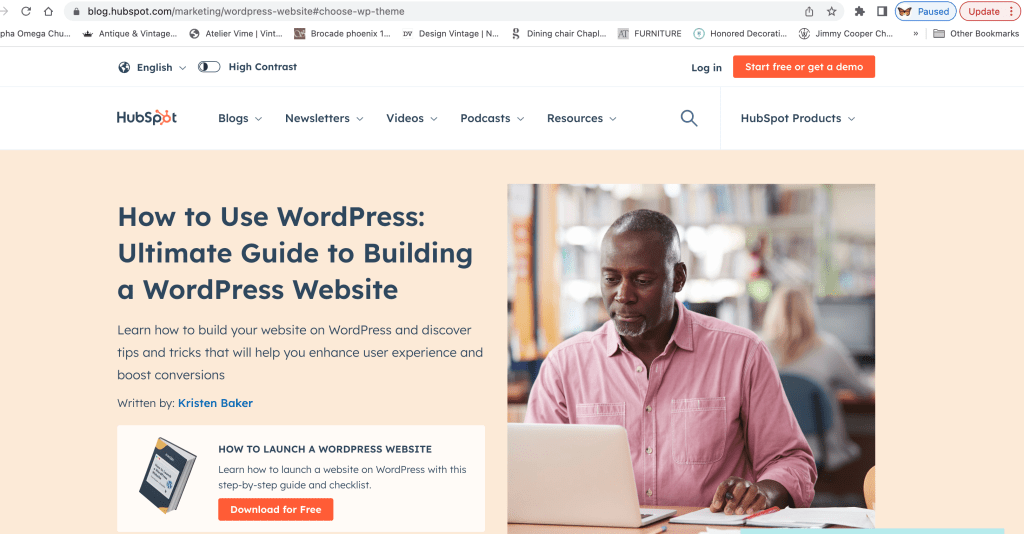
I have found youtube videos and some of the websites that offer help in setting up and beginning to use WordPress really helpful. WordPress itself has an extensive tutorial with screenshots that are helpful and I also have used this Hubspot site.
pros and cons of wordpress
PROS
- Free
- User Friendly
- Accesible
- Offers wide selection of themes
- Scalability – can start with basic and expand site as your portfolio and work expand/increase
- If kept relatively simple, WordPress can be a quick website to load and navigate
- It is mobile friendly
CONS
- Takes time and effort to learn how to use (for beginner)
- Cost – as you want to upgrade site
- Design limits – you cannot build a completely individual site from scratch.
- Potential security issues
- Hard to be really creative with available options without deeper knowledge
 number5portfolio.com