
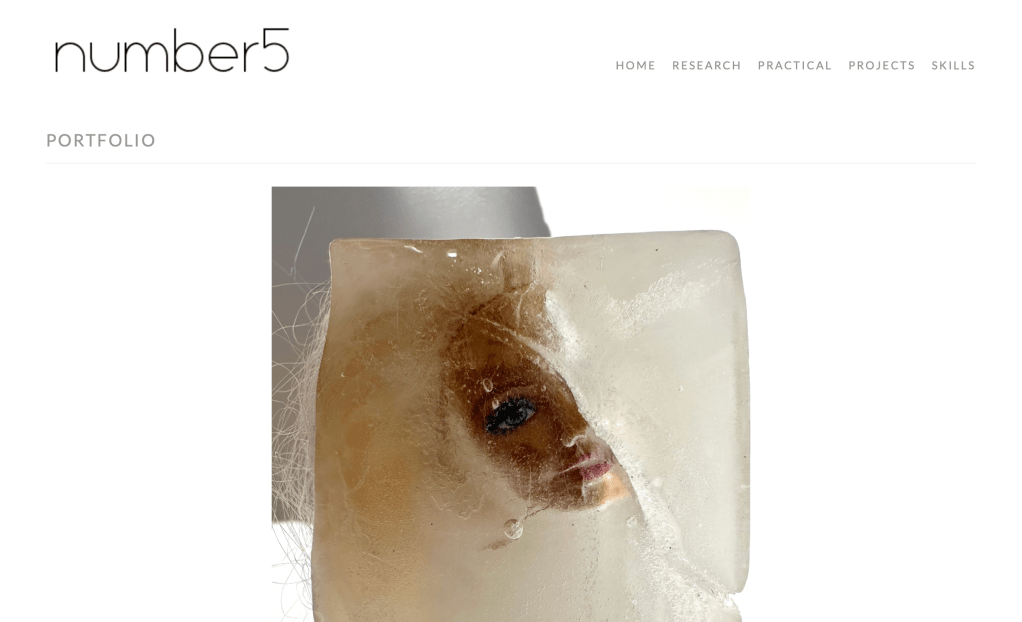
As the course progressed there were more and more heading to include on the website which has resulted in a crowded top bar which is confusing to navigate. I decided to simplify this by using a ‘nesting’ system where you can put sub headings under a main heading. I did this and created 5 headings that fitted horizontally across the top right hand corner. I think it looks much better.


CHANGING THE FRONT PAGE
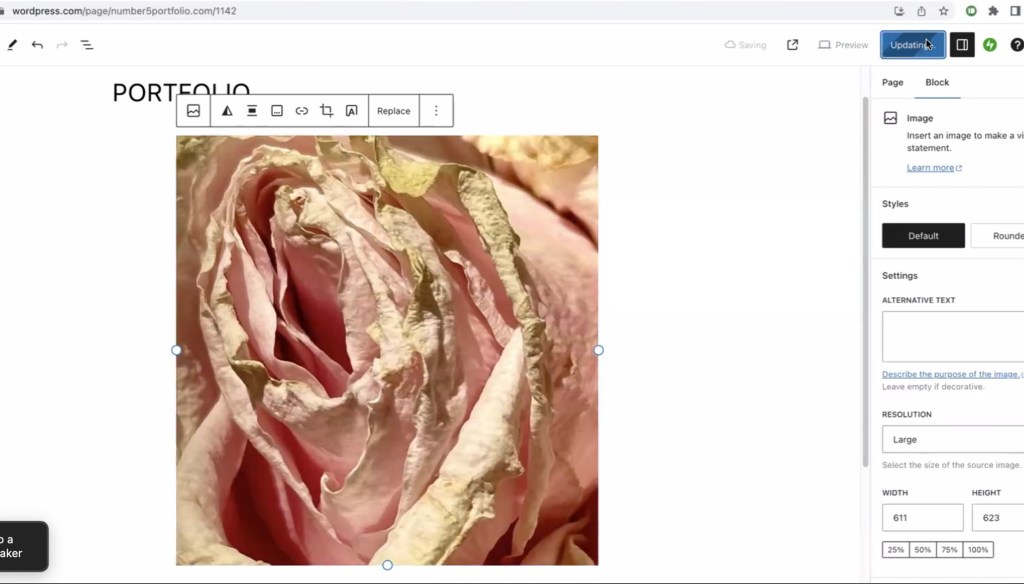
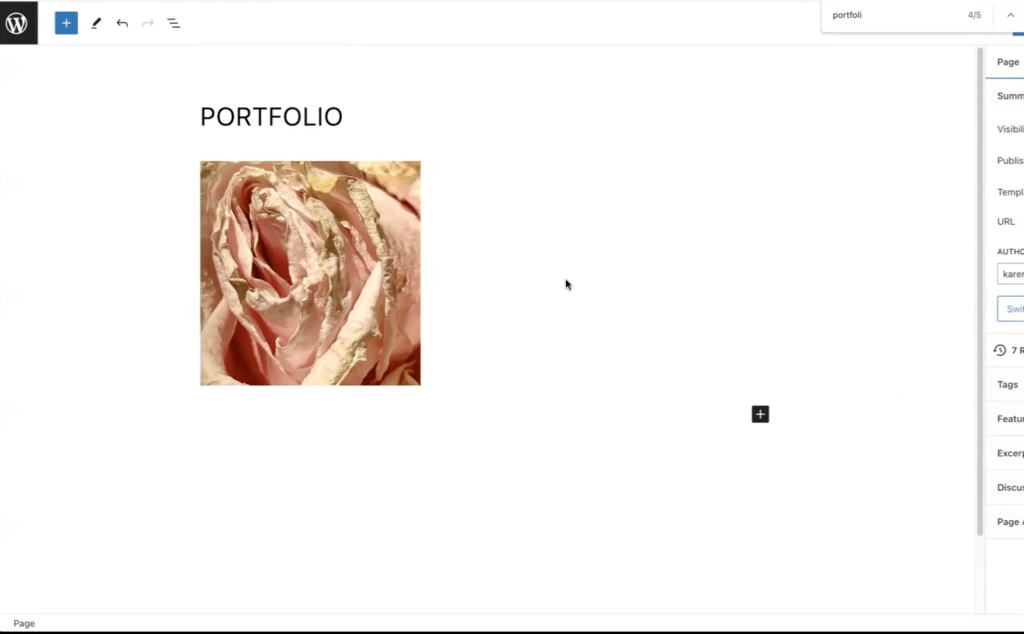
I decided to change the front image on the home page. Initially I made the image of the rose smaller which looked better. I then decided to change it altogether using a recent Barbie image that I intend to put in the exhibition.
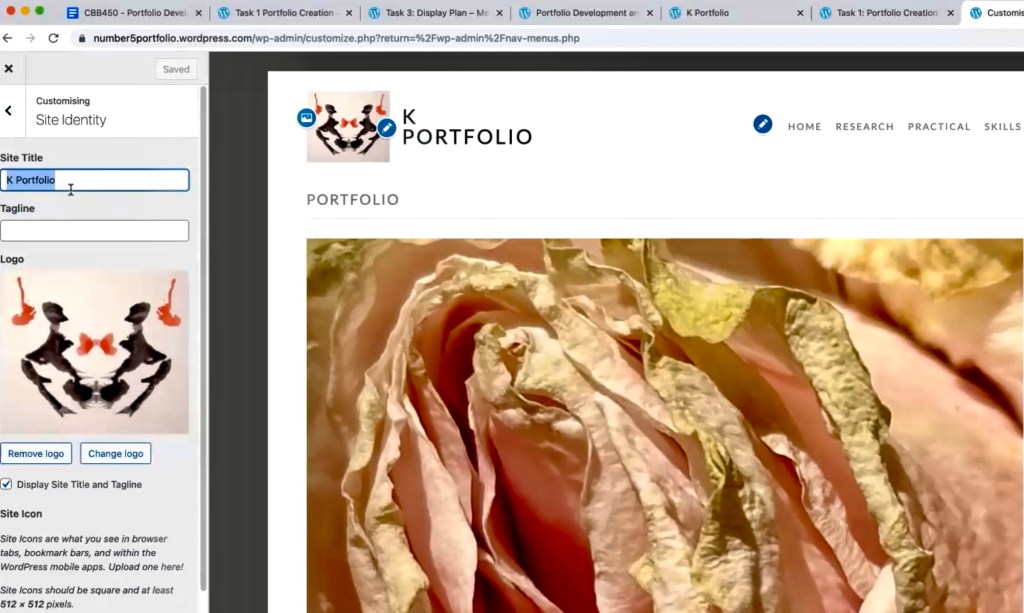
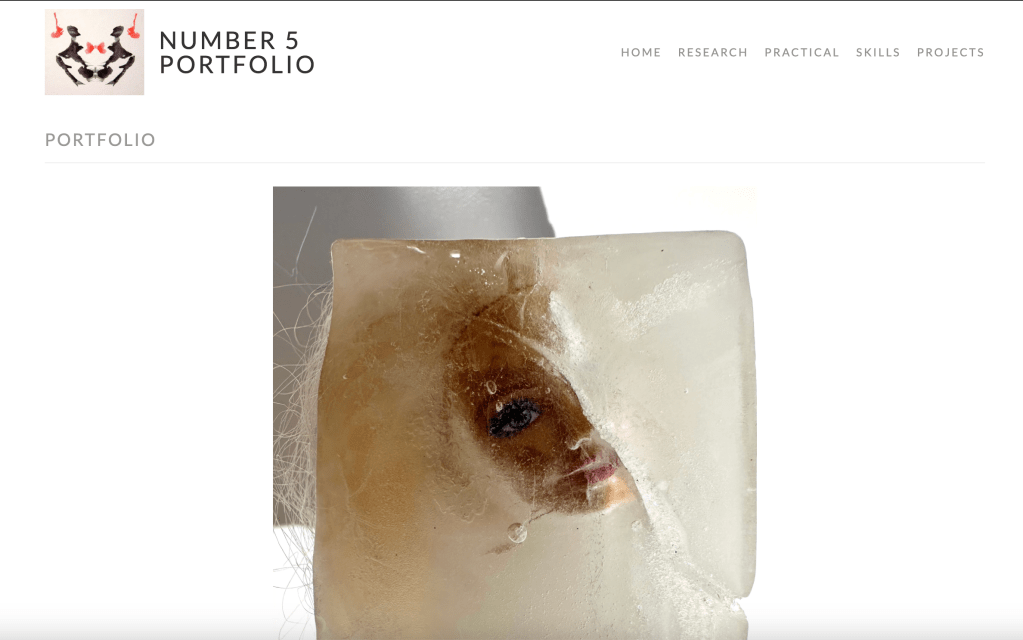
I was please with the change of image and simplifying the menu but the logo looked busy and and it’s type is heavy.
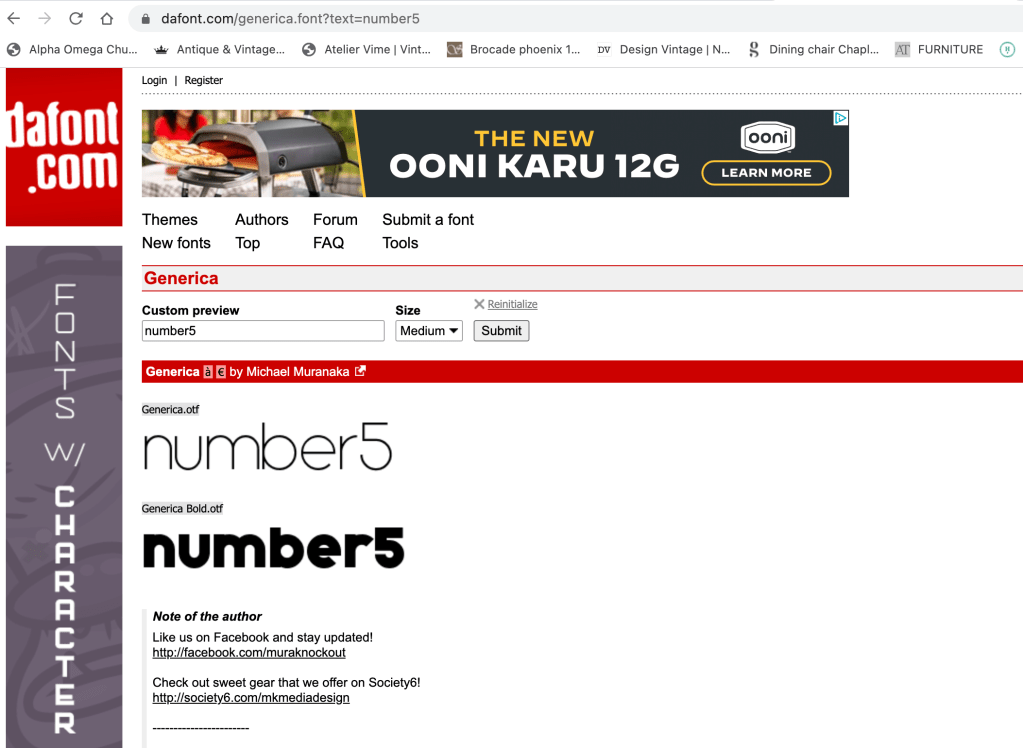
I decided to get rid of the image completely and use a font website called ‘dafont’ to find a more interesting type and create a logo by using a screenshot.

 number5portfolio.com